Affiliate disclosure: This article contains commercial referral links. Homzora may earn a commission from qualifying activity. As an Amazon Associate, Homzora earns from qualifying purchases.
A connected device can be useful without increasing a home’s sale price. Before installing smart equipment ahead of a Boston sale, identify the practical benefit and the obligations it creates. A thermostat, camera, lock, or leak sensor may require compatible wiring, a subscription, an account, or a particular network. Those details matter more than a broad claim that buyers love technology.
This guide is a decision framework, not a product ranking or a resale value forecast. It does not claim that Homzora has tested the devices you may encounter while shopping. Evaluate the exact model, the property, and the handoff to a future owner. Sometimes the most useful improvement is documenting an existing system or replacing a malfunctioning component with appropriate professional help.
Define a problem before choosing a product
Describe the issue in one sentence. Perhaps a control is difficult to use, an existing device no longer receives support, or the household wants an additional alert about a possible leak. The proposed purchase should solve that specific problem rather than simply add another app to the property.
Then ask whether the problem remains after the sale. A highly personalized automation may be useful to you but confusing to the next owner. Consider a straightforward control with clear documentation before choosing a complicated arrangement. The goal is a functional home that another person can understand, not a collection of features that require your personal account and ongoing explanations.
Separate convenience from a value claim
Do not assign a resale premium merely because a device is marketed as smart. If a real estate professional believes a change will help presentation, ask what specific concern it addresses. Treat that feedback as professional judgment about the property, not a guaranteed return on your spending.
Keep the cost visible in the sale preparation budget. If the home does not sell at the expected price or the buyer does not value the feature, you still bear the expense. A reasonable decision can be based on present usefulness, reliability, and ease of transfer without inventing a percentage increase in property value.
Verify compatibility at the address
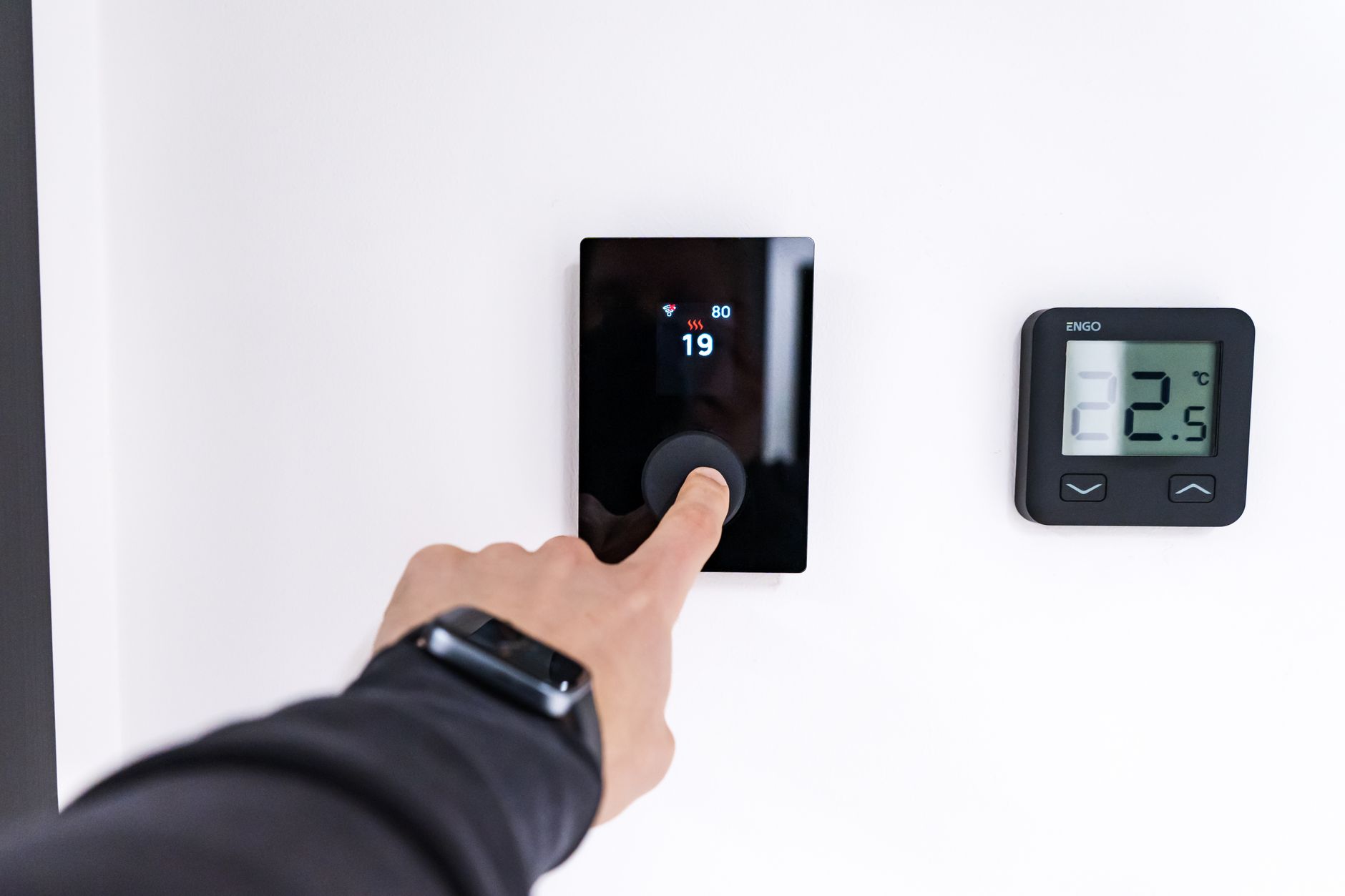
Check the exact model’s installation requirements against the existing system. For heating controls, that means more than recognizing the brand name on the old thermostat. Ask a qualified installer to verify compatibility when wiring or system type is uncertain. Do not remove or alter unfamiliar equipment based solely on an online shopping description.
ENERGY STAR provides information about smart thermostats and their role in home energy management. That does not establish compatibility with every Boston heating system or a particular household’s savings. Confirm installation requirements and the features you actually need before buying. Save the model number and the installer’s documentation for the next owner. Source: ENERGY STAR: Smart thermostats
Calculate the ownership cost
List the hardware, installation, accessories, subscriptions, batteries, and any network equipment required. Ask whether basic functions remain available without a paid plan. A low purchase price can be misleading if the feature you want depends on a continuing service charge or equipment you do not already own.
For a hypothetical example, a $180 device, $220 installation charge, and $60 first year service cost total $460 before other expenses. This is an arithmetic illustration, not a market quote. Compare that total with the problem being solved and the time you expect to use the device. Do not describe the hardware price alone as the full upgrade cost.
Preserve ordinary control
Ask what happens when the internet connection fails, the app is unavailable, or the user does not have a smartphone. A buyer should understand how to operate essential functions appropriately. Check the manufacturer’s instructions rather than assuming that every connected device has the same fallback behavior.
Test the approved basic operation after installation. Keep a concise instruction sheet with the equipment records. Avoid a setup that depends on an undocumented routine running through your personal phone or a third party service the buyer does not know about. Simple operation is particularly important during the transition when accounts and internet service are changing.
Review cameras with privacy in mind
A camera installation raises questions about placement, access, recordings, and account security. The FTC recommends measures such as secure account practices and keeping software current. Review the device’s security settings and manufacturer support information before deciding whether it is appropriate. A connected camera is not a guarantee against theft or another incident. Source: FTC: Securing home security cameras
Discuss showing and recording arrangements with the professionals handling the sale and obtain advice on applicable requirements. Do not assume that a visible device resolves every notice or privacy issue. Avoid recording private conversations or spaces without understanding the rules. The sensible question is not merely whether a camera works, but whether its use and transfer are appropriate for the setting.
Keep life safety requirements separate
Required smoke and carbon monoxide protection should be reviewed through the applicable Massachusetts and local requirements. A smart label does not establish compliance, and the absence of an app does not automatically make an alarm inadequate. The state provides preparation guidance for smoke and carbon monoxide alarm inspections. Source: Massachusetts: Preparing for a smoke and carbon monoxide alarm inspection
Ask the local fire department or qualified professional about the property’s requirements. Do not disable an alarm, relocate it for appearance, or substitute an incompatible device to make the home seem more modern. Optional notifications belong after proper safety equipment, installation, and testing. Keep inspection and maintenance records with the home documents rather than presenting a retail receipt as proof of compliance.
Review access devices carefully
For a connected lock or entry system, confirm ownership, building permission where relevant, installation requirements, and the physical backup procedure. Consider everyone who must use the entrance, including a future resident who prefers a conventional method. Ask a qualified professional to address door or hardware compatibility.
Prepare a list of authorized access methods and temporary permissions. Do not publish codes in a listing or leave them in an unrestricted shared folder. At transfer, follow the manufacturer’s account and reset instructions and coordinate the timing so authorized access is maintained. A casual promise to text the buyer your old code is not a complete handoff plan.
Document what stays with the home
Make an inventory identifying the device, location, model, owner, and associated service. Discuss with your real estate professional and attorney how included equipment should be described in the transaction documents. Do not assume that an app controlled item is automatically treated the same way as a loose accessory.
Identify leased or subscription based equipment separately. Ask the provider whether a service or device can be transferred and on what terms. The buyer should not discover after closing that an advertised feature depends on an account that cannot be assigned. Keep the written answer and clarify the agreed treatment before the closing schedule becomes urgent.
Prepare accounts for transfer
Follow each manufacturer’s instructions for removing personal information and enabling a new authorized user. Account transfer, device reset, and deleting a mobile app are not necessarily the same operation. Work from the exact model’s documentation rather than a generic checklist that assumes all products behave alike.
Remove shared access and saved personal settings as appropriate, and verify that the buyer can establish their own account without receiving your password. Keep sensitive information out of the general home manual. Coordinate the process with the closing arrangements so that equipment remains usable when responsibility changes. If a device cannot be transferred cleanly, resolve that issue before representing it as an included benefit.
Compare products without relying on the headline
Read the model details, support information, installation requirements, return terms, and service conditions. Check whether a feature shown in a promotional image requires a different package or paid plan. Record the exact item rather than a broad brand name, particularly when several generations look similar.
For optional shopping, smart home equipment on Amazon is a search link, not a verified recommendation for your property. As an Amazon Associate, Homzora earns from qualifying purchases. Use manufacturer documentation and qualified installation advice to evaluate the item. A commission relationship does not establish compatibility, savings, safety, or resale value.
Assemble a home technology folder
Include model numbers, manuals, installation dates, warranty documents, support contacts, and a description of ordinary operation. Keep passwords and recovery codes separate. A buyer facing an unfamiliar control benefits from knowing which document applies and who installed the equipment.
Review the folder with someone who did not set up the system. Ask whether they can identify the device and find the relevant instructions without your help. This is a useful practical test of the handoff. Correct missing or outdated information before marketing the system as easy to use. Documentation often adds more clarity than another optional feature.
## Keep a list of recurring services
Identify each subscription associated with the equipment, who pays it, and whether it is required for an advertised function. Review cancellation or transfer arrangements directly with the provider. Do not leave the next owner expecting a feature that stops when your account closes. Conversely, do not continue paying for a service unintentionally after the equipment has transferred. A short service inventory helps coordinate the financial handoff with the technical one.
Decide whether to install, maintain or leave alone
Finish with three options for each proposed upgrade: install it, maintain the existing equipment, or make no change. Compare the total cost, installation disruption, present benefit, and transfer requirements. A device that solves a real problem with a clear handoff may be sensible. A purchase based only on an unsupported sale price promise deserves more scrutiny.
Your preparation should leave the home understandable and honestly described. Keep claims tied to verified functions and avoid presenting projected savings or buyer enthusiasm as established facts. A well documented, appropriate system can support a smoother transition even when no one can credibly assign it a specific dollar premium.
Sources and further reading
Sources reviewed October 8, 2026. Program rules, product terms and public information can change. Hypothetical examples and editorial checklists are identified in the article.